

120 Inch ALR Projector Screen Size and Room Fit
-
 auteur
 - septembre 30, 2026
A 120-inch screen can fill a showroom wall beautifully and still be the wrong fit for the room. For AV distributors and integrators, the useful question is whether that larger image works with the available wall, projector position and light. Compared with 100 inches, 120 inches brings 44% more image area. That gain becomes worthwhile when the room can accommodate the picture and the projection system can illuminate it properly.
The space a 120-inch image actually occupies
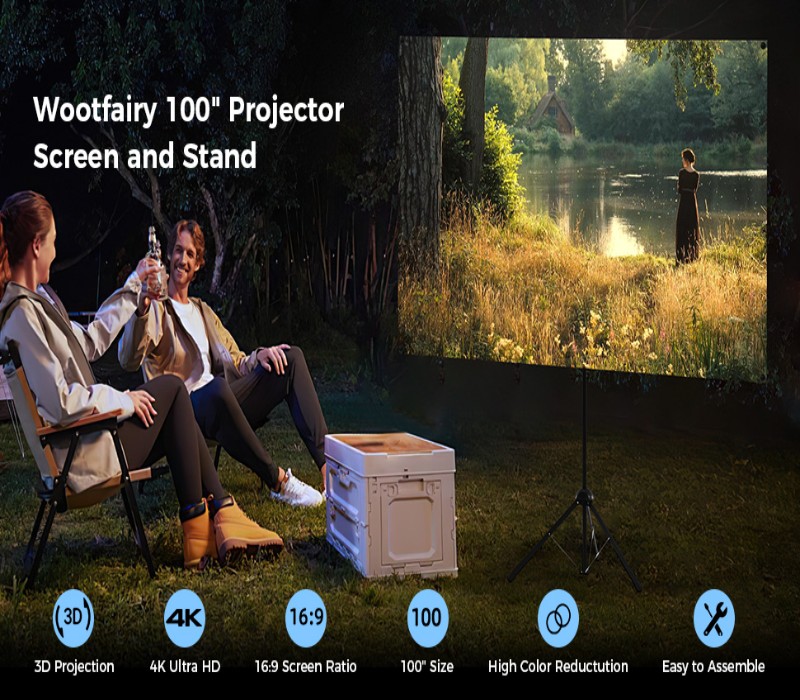
The diagonal describes the picture size from corner to corner. At 16:9, a nominal 120 inch projector screen has a calculated image width of approximately 2.66 m and height of 1.49 m. Those measurements cover the active picture only. With a écran de projection escamotable au sol, the housing also needs space below it.
The difference from a 100 inch projector screen is substantial on a real wall. The following dimensions are calculated from the diagonal and a 16:9 rectangle, rounded for planning. They are not model-specific manufacturing dimensions.
| Image measurement | 100-inch diagonal | 120-inch diagonal |
| Width | 87.2 in / 2.21 m | 104.6 in / 2.66 m |
| Hauteur | 49.0 in / 1.25 m | 58.8 in / 1.49 m |
| Area | 2.76 m² | 3.97 m² |
Moving to 120 inches adds approximately 44 cm of image width and 25 cm of height. If the image remains centred, allow roughly 22 cm more on each side. Tape out both rectangles before choosing the size, then add the exact outer dimensions of the proposed screen assembly.
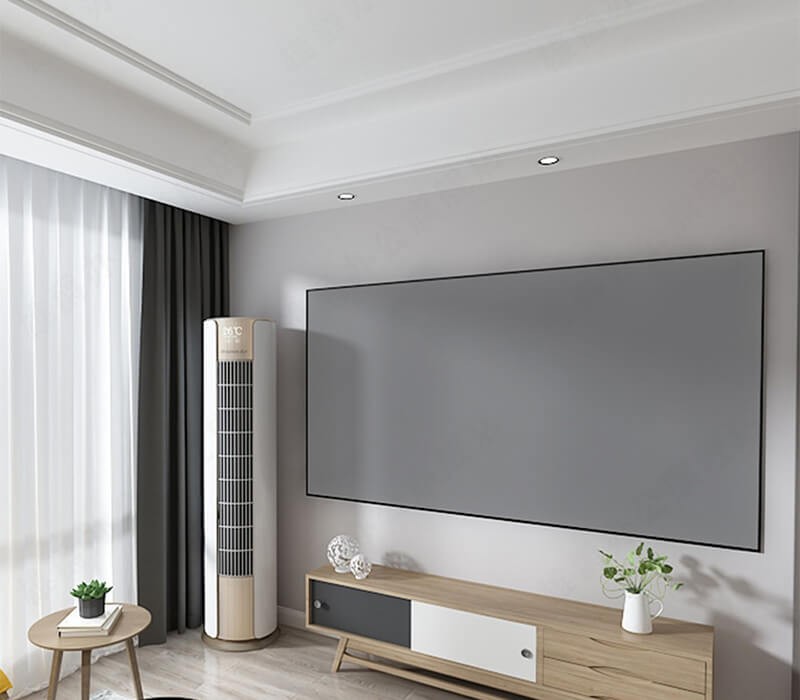
More image area changes the brightness balance
A larger picture spreads the projector’s available light over more surface. For an ALR projector screen, 120-inch sizing therefore changes more than the wall layout. Using the same delivered light, gain and aspect ratio, the estimated brightness per unit area at 120 inches is about 69% of that at 100 inches: 1 divided by 1.44.
That calculation isolates size; it is not a measured performance result. Projector output in the intended picture mode, optical losses and the screen’s directional behaviour also matter. A bright demonstration at 100 inches cannot establish how the same system will look at 120 inches with room lights operating.
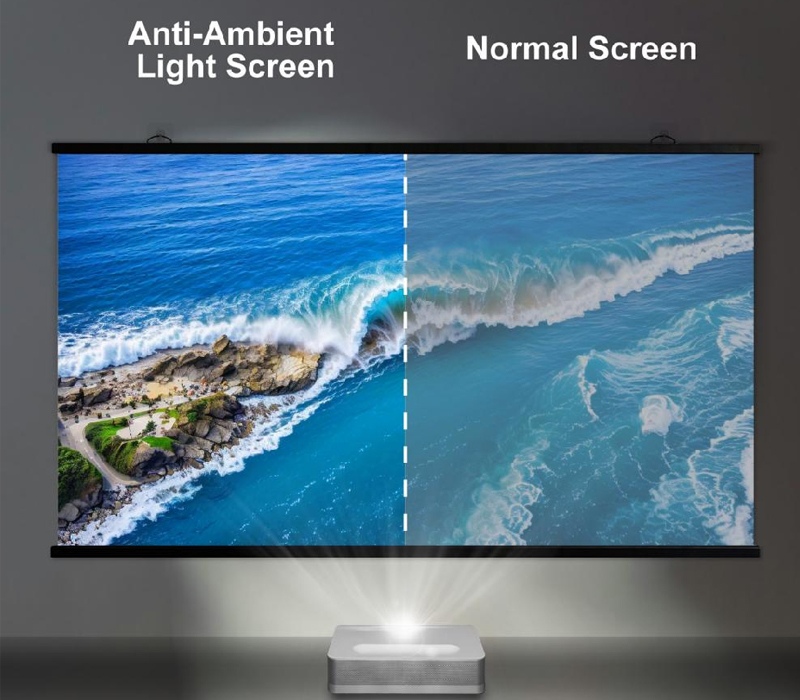
ALR performance depends on where unwanted light arrives. Directional surfaces favour useful projector light while reducing light from other directions. A screen designed around overhead light may handle side windows differently. Assess the room at its normal operating time, including the strongest daylight period, before deciding that the larger picture remains sufficiently clear.
UST placement determines whether the picture fits
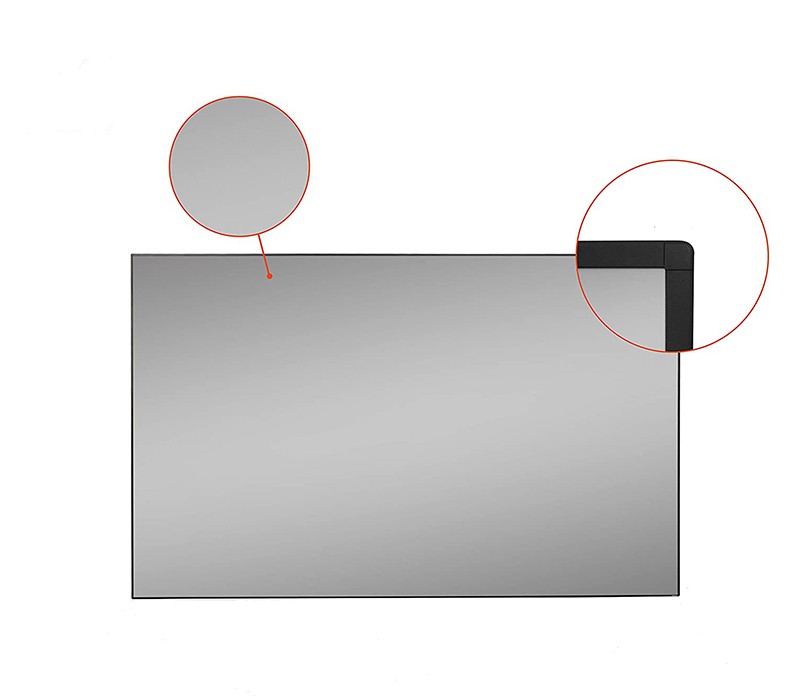
The projector’s optical layout must match the screen material. A 120 inch ultra short throw projector screen needs explicit UST compatibility; the ALR label alone does not establish it. Standard-throw ALR surfaces and UST-specific surfaces accept projected light at different angles, so they are not automatically interchangeable.
The larger image also changes the projector’s position relative to the screen. UST distance tables can specify both horizontal placement and the image’s vertical offset. Use the selected projector’s own 120-inch diagram, with its stated measurement reference points. A distance measured from the lens is not necessarily the gap between the projector casing and the wall.
Cabinet height and image height must work together. Increasing the diagonal may move the image bottom as well as its top, depending on the projector geometry. Check the whole arrangement against the ceiling, furniture and seated eye level. This is where a wall that looks wide enough can still prove unsuitable for 120 inches.
Fixed walls and rising screens use space differently
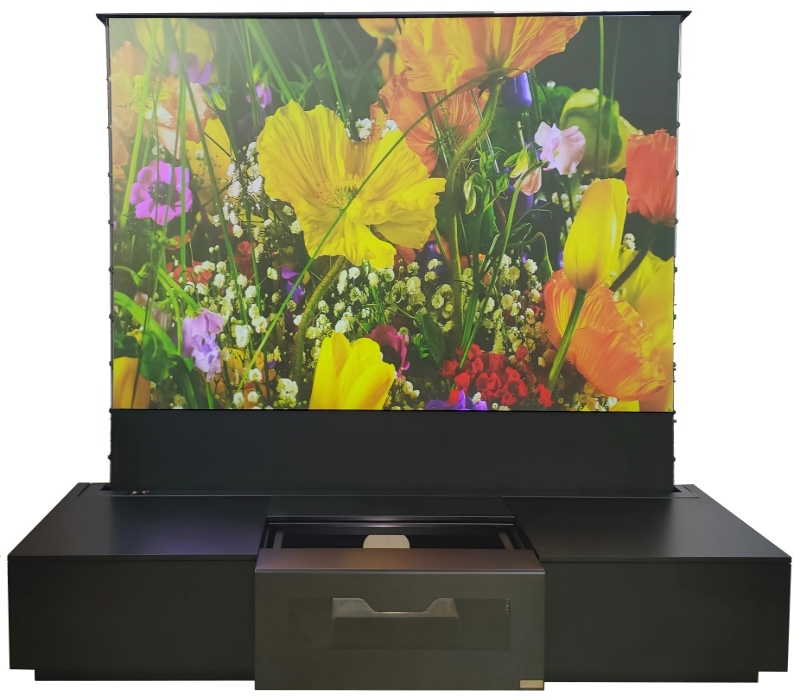
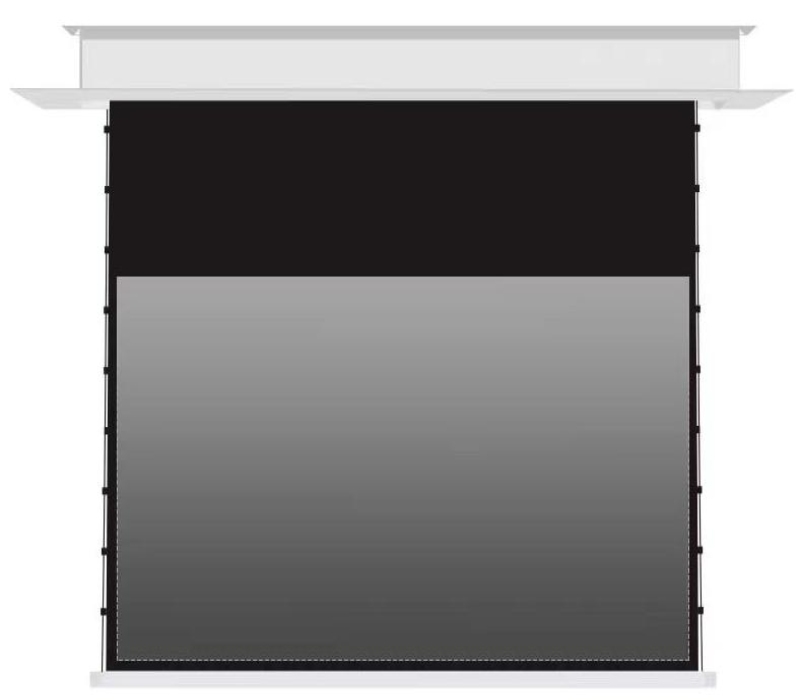
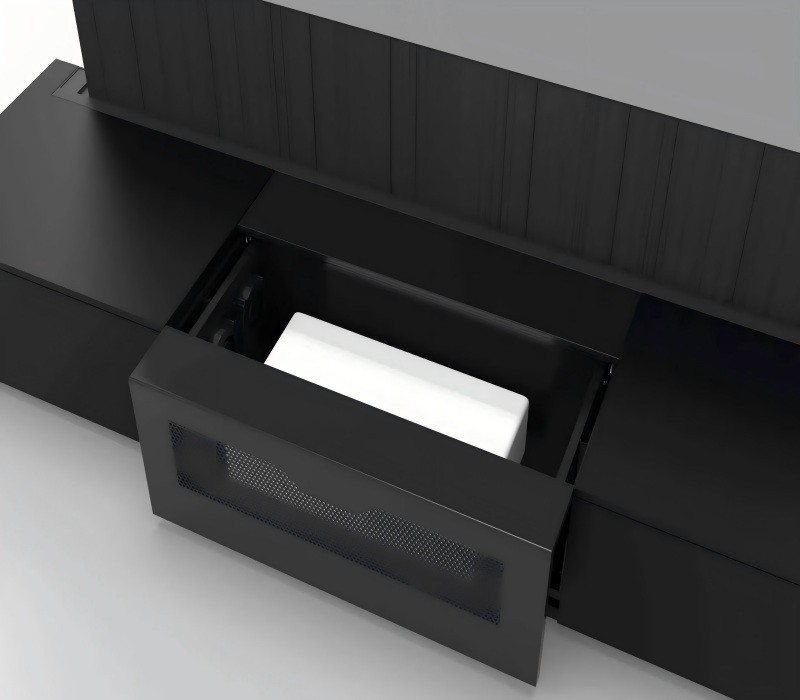
The screen structure determines how much of the room stays occupied between presentations. A fixed frame keeps the surface tensioned in a permanent position. A rising screen retracts into a floor-level housing, freeing the wall visually while retaining a footprint below it. Both arrangements still need the full picture area when deployed.
A room that needs concealed equipment benefits from considering the projector, screen and furniture together. Aoxing’s One-Tap Cinema Smart Cabinet combines a UST projector, an electric rising ALR projection screen, audio and smart control in an integrated furniture system. Its 100-inch and 120-inch screen options support that coordinated approach; the final equipment configuration still needs confirmation.
The cabinet is therefore more than a screen container. For a professional demonstration space or reception lounge, compare its complete footprint and deployed height with a wall-mounted arrangement. The screen diagonal cannot tell you the cabinet width, projector clearance or space needed for the mechanism to move.
Seating completes the 100-versus-120 comparison
The larger image needs to work from the intended seats. Keep the seating plan in place when evaluating both sizes, especially where a reception lounge has chairs to either side. An ALR surface’s viewing characteristics can make a central demonstration unrepresentative of the outer seats.
Real content makes this comparison more useful than an empty rectangle. Display the presentation slides, subtitles or video normally used in the room. Assess legibility from the farthest position and viewing comfort from the nearest. A larger diagonal earns its place when it improves those tasks without sacrificing a usable picture elsewhere.
When 120 inches earns the extra space
A 120-inch ALR screen is a sound fit when its larger picture, projector geometry and lighting conditions work as one arrangement. The 100-inch option remains useful where height, brightness or furniture clearance is limited. For trade teams, the next step is a room layout using confirmed assembly dimensions and the selected projector’s placement diagram, followed by a demonstration at the intended size.
FAQ (questions fréquentes)
How wide is a 120-inch 16:9 screen?
The calculated image width is about 104.6 inches, or 2.66 m. Add the frame or housing dimensions when checking the installation space.
How much larger is 120 inches than 100 inches?
At the same aspect ratio, width and height increase by 20%, while image area increases by 44%. That extra area also changes the brightness requirement.
Can every ALR screen work with a UST projector?
UST compatibility must be explicit. The material needs to accept light from the projector’s steep projection angle and be installed in the correct orientation.
Does a 120-inch ALR screen work in daylight?
It can improve contrast in suitable lighting conditions, but performance depends on light direction, intensity and projector output. Evaluate the actual room rather than assuming daylight immunity.
Does a rising screen remove the need for wall space?
A rising screen can avoid permanent wall mounting. Its deployed image still occupies the same area, and the housing, projector and movement clearance remain part of the room layout.
Posts récents
-
 How to Match a Screen to an Ultra Short Throw Projectorseptembre 24, 2026
 -
 Retractable Projector Screens for Multipurpose Roomsseptembre 17, 2026
 -
 Fresnel ALR vs Lenticular CLR for UST Projectorsseptembre 10, 2026
PRODUITS LIÉS
Votre bon choix aujourd'hui, notre brillant demain!
REQUEST A PROJECT QUOTE