

Installing a UST ALR Screen the Right Way Up
-
 auteur
 - octobre 29, 2026
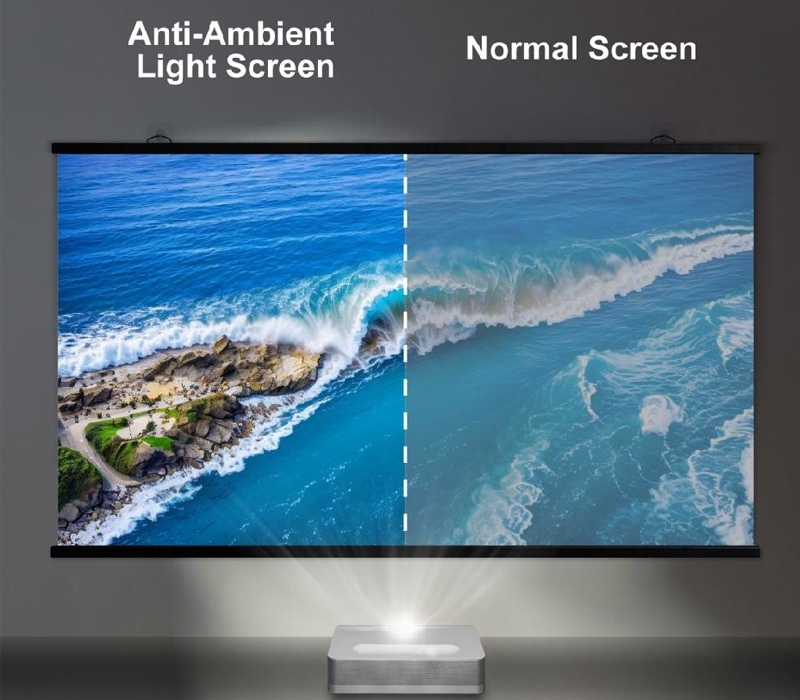
A UST ALR screen can look nearly identical right-side up or upside down from across the room, so a flipped panel often passes the walkthrough and only fails once the image is on. That is the trap of ambient light rejecting screens in an ultra short throw projector room: the optical surface has a fixed direction, and a reversed panel throws the whole picture into shadow.
Nothing is broken, the mount looks level, and the projector settings are untouched, yet the picture comes up milky and washed out. This article covers the physical reason behind that direction, what a reversed panel actually does to the image, and a quick pre-hang check that catches the mistake before the frame is bolted down.
Why the Orientation Is Set by the Projector
An ambient light rejecting screen is not a single surface but a layered optical stack. In a Fresnel design, a micro-prism layer collects the projected beam and directs it back toward the audience, while a separate absorber layer soaks up light from the sides and above. The stack therefore has a front and a back, and the projector is meant to aim at the front.
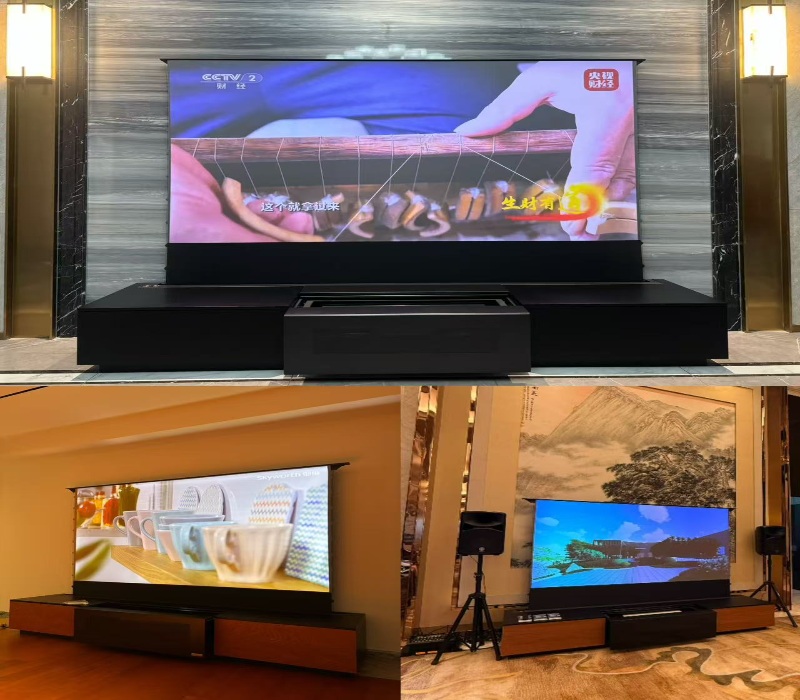
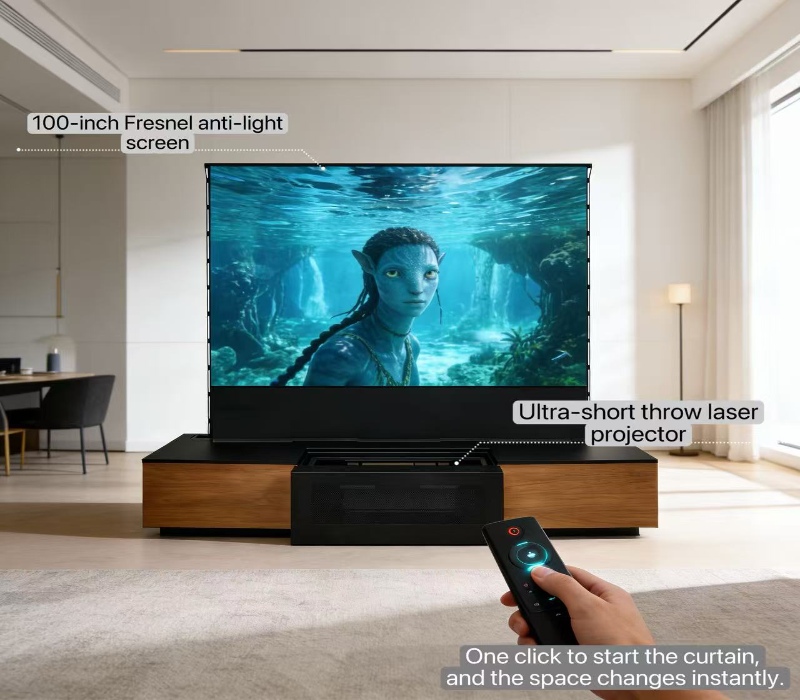
Ultra short throw geometry pins that direction to the floor. Because the projector sits on the same low furniture as the screen and throws upward at a steep angle, the beam enters the panel from below and in front. An ultra short throw projector screen is engineered so that is exactly the angle its prisms expect, and the whole layering only works from that side.
It is the same layering that makes any écran de projection rejetant la lumière ambiante work at all, and it is why orientation is a real question instead of a small detail.
What a Flipped Screen Actually Looks Like
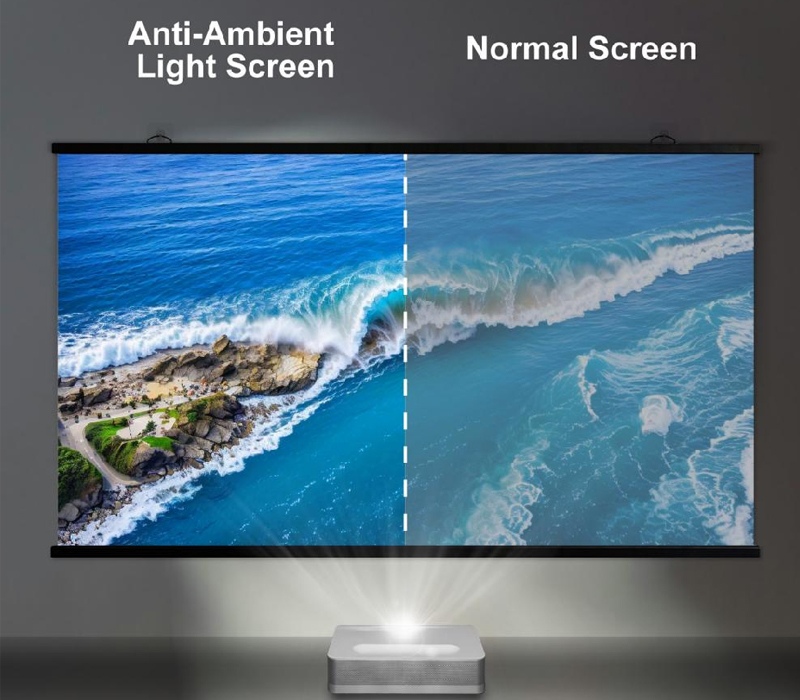
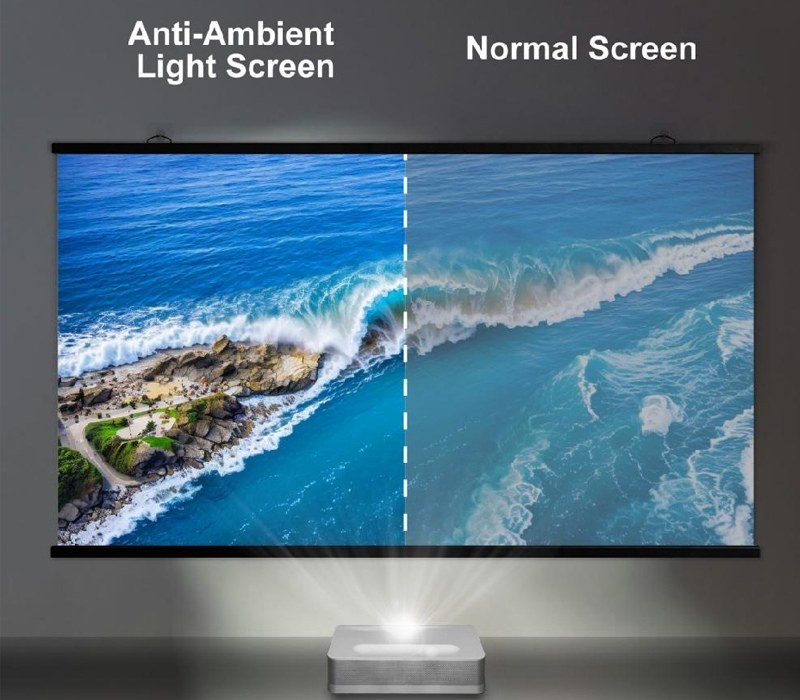
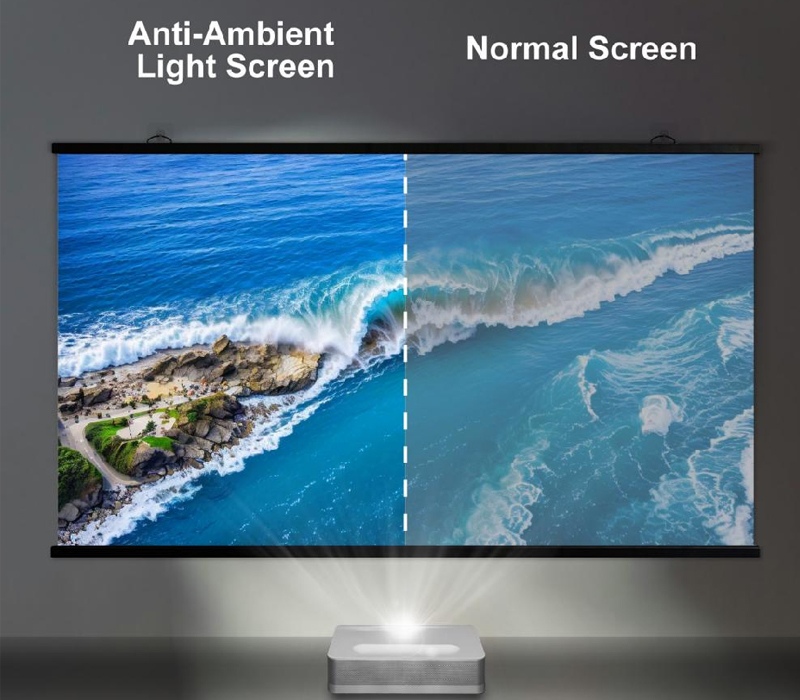
Hang the panel the wrong way and the projector ends up projecting into the absorber or the back of the prism layer instead of the intended face. The symptoms cluster together: a darker, flatter image, washed-out contrast, a milky haze where there should be deep blacks, and colors that look off. In the worst case the picture dims enough to look broken even though every component is healthy.
The tell that separates this from a lamp or projector fault is that the image stays sharp. A flipped ambient light rejecting screen does not blur or pixelate the picture, because the panel and the projector are both fine. Only the brightness, contrast and color move. If a customer reports a washed-out image that is still in focus, orientation is usually the first thing worth checking.
A Pre-Hang Check That Catches It Early
The fastest fix is a thirty-second check before the screen is fixed in place. Mark the projector side of the panel with a small sticker or a pencil line on the frame, and keep the projector on that same side. Many ALR surfaces already carry a directional arrow, a front or back label, or a note naming the projector side; where one is present, follow it rather than guessing.
For a first installation, run a quick dry test. Mount the screen, throw a plain white field, and step back into the normal viewing seat. If the whites are bright and the blacks are clean, the direction is right; if the whole image reads dark and milky, flip it and re-check. That is one reason to keep a portable alr screen handy for on-site setups, where a flip beats a guess.
Orientation and the room are linked, so run this check with the lights in the state you actually plan to watch. A panel that reads fine in a dark room can still look thin in daylight, which is part of why these screens are specified the way they are.
Read the image before you commit:
|
What you see on the image |
What it usually means |
Direction check |
|---|---|---|
|
Bright, high-contrast, sharp picture |
Projector hitting the prism front |
Correct – leave it mounted |
|
Dark, milky, washed-out but sharp |
Beam on the absorber or back face |
Reversed – flip the panel |
|
Hot spot or uneven band across one area |
Off-angle hit on the prism face |
Re-aim or re-seat level |
Keep the Flatness Honest While You Work
A screen that is on the right way up can still look wrong if it is not flat and level. Ultra short throw geometry is unforgiving: a slightly tilted or wavy surface throws hot spots and dark bands across the image. Confirm the panel sits level and the frame or stand is stable before you trust the direction check.
On wall-mounted and fixed-frame units, confirm the panel is plumb and the mount is even before you tighten it fully. On floor-standing or portable units, lock the feet on a level floor. The goal is for the surface to face the projector straight on, which is what the prisms need to hold the contrast the screen is built to deliver.
Once direction and flatness both check out, the screen does its job. That is the point of an alr screen for UST projector: contrast that survives the room lights, provided the panel is on the right way up and sitting straight.
Putting It Together
The sequence is short once it is known. Set the direction from the projector side, verify flatness and level, then run a white-field test from the viewing seat. When the panel faces the projector correctly and sits flat, the ambient light rejecting surface delivers its contrast; when either is off, the image reads dark or banded even though nothing is damaged. Direction comes first because it is the easiest thing to get wrong and to fix on site.
For distributors specifying these screens, Aoxing supplies Fresnel ALR screens built for ultra short throw projection, and a short orientation note with each shipment turns most washed-out-image calls into a two-minute flip-and-retest.
FAQ (questions fréquentes)
How can I tell which side of an ALR screen faces the projector?
Look for a factory direction arrow or a front or projector-side label. Without one, the side meant to catch the low, steep UST beam is the projector side, and a quick white-field test confirms it.
My UST image is sharp but dark and milky. What should I check first?
Screen orientation. A reversed ambient light rejecting panel keeps the picture in focus but drops the brightness and contrast. Flip it and re-test from the normal viewing seat.
Does orientation matter the same for fixed-frame and portable screens?
Yes. The optical stack is one-directional either way. A portable ALR screen is only easier to correct, because you can turn it around and retest without re-rigging a mount.
Can I skip confirming the direction before the final hang?
You can, but you risk a dark, washed-out image and an avoidable on-site visit. Confirming direction and flatness first is faster than diagnosing a broken-looking picture later.
Why does a flipped screen look washed out instead of just dim?
The beam is hitting the absorber or back face rather than the prism front, so ambient light is no longer rejected along the intended path. That is what produces the milky, low-contrast look.
Posts récents
-
 Floor-Rising Projector Screens for Distributor OEM Ordersoctobre 22, 2026
 -
 Projector Screen Materials for Real AV Roomsoctobre 14, 2026
 -
 How to Test an ALR Screen Before Bulk Orderingoctobre 7, 2026
PRODUITS LIÉS
Votre bon choix aujourd'hui, notre brillant demain!
REQUEST A PROJECT QUOTE