

Can You Use a Whiteboard as a Projector Screen?
-
 auteur
- novembre 26, 2026
A classroom has a whiteboard, and the next training session needs projected slides. Reusing the board sounds practical until a ceiling light reflects across a spreadsheet or the back row cannot read the text. Yes, a whiteboard can serve as a projector surface. Whether it works in your room depends on the finish, lighting, projector position, and the material on screen. The useful test is simple: can people read it from the seats they actually use?
Why a whiteboard can show an image but still disappoint
A whiteboard reflects projected light, so slides will appear on it. But its primary job is taking marker and wiping clean. A smooth, glossy finish can send a concentrated reflection toward some seats. One bright patch may hide the text beneath it, even when the rest of the picture looks fine.
The surface’s condition shows up in the image too. Marker residue, scratches, and stains become visible, especially over pale backgrounds. Cleaning removes compatible residue; it cannot change how a glossy coating reflects light. Glass, porcelain, and painted steel describe different constructions, not a ranking of projection quality. A glass board is not automatically the clearest choice.
Room light causes another failure. Light that reaches the board lifts the apparent brightness of dark areas, so the image loses contrast. Raising projector output might help with that. It will not remove a reflected hotspot. First identify which problem you see; otherwise, you may spend on brightness when the surface is the issue.
A room check that answers the practical question
Use the material people present every week: a typical slide, the smallest spreadsheet text used in meetings, and a dark image with fine detail. Leave the room lights in their usual positions, including the lights needed for note-taking. Testing with every blind shut can mislead if daylight is normally part of the lesson.
Check from the back row, both sides, and seats near the projector’s reflection. Move between seats without changing the slide. A bright patch that shifts as you move points to directional reflection. If the whole image loses contrast when lights come on, ambient light is probably the bigger problem.
Check the image shape separately. Keep the projected rectangle inside the usable board area, clear of the frame and pen tray. Align the projector physically where practical before relying on digital correction. Keystone correction can straighten a trapezoid; it cannot cure glare. A sharp center does not prove small text is legible at the edges.
Board proportions may limit the image as well. Suppose a board is 1,200 mm wide and the projector uses a 16:9 picture. Fitting the full width gives an image 675 mm high (1,200 × 9 ÷ 16). This is an aspect-ratio calculation, not a recommended board size or viewing-distance standard. Check whether the rear seats can read the result.
When a dedicated surface earns its place
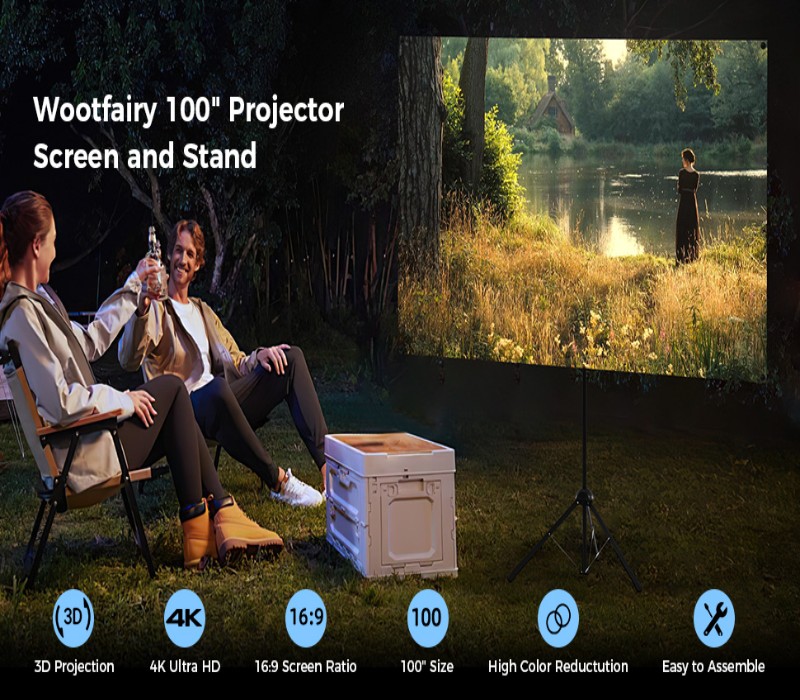
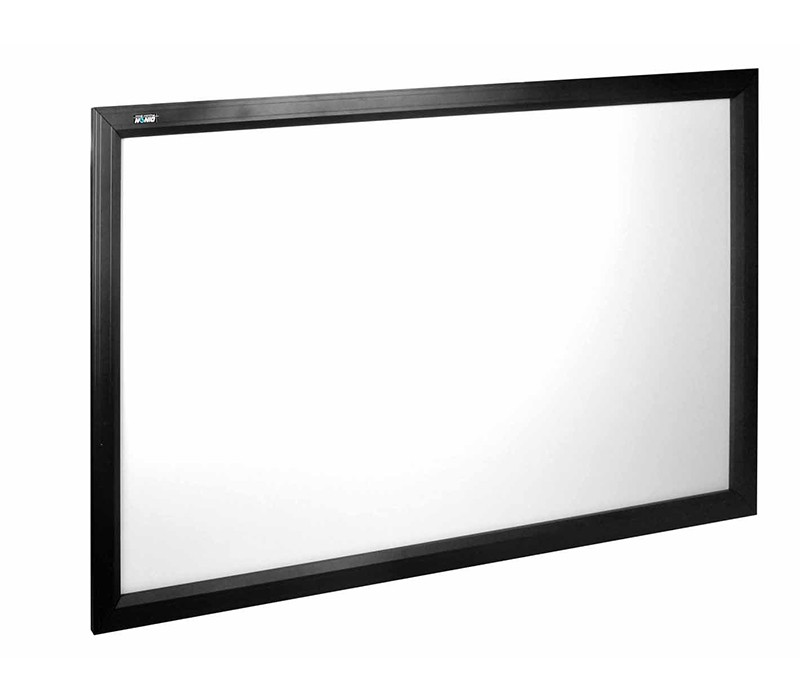
If projection is frequent or the board fails in normal room conditions, a separate screen may be worth the wall space. A suitable [classroom projector screen gives projection its own surface and leaves the writing board available. There is no need to replace a board that already presents the material clearly.
Different arrangements address different constraints. The comparison below describes their roles; it does not rank brightness or price.
|
Arrangement |
Useful when |
Main qualification |
|---|---|---|
|
Existing whiteboard |
Occasional slides are readable from all seats |
Check glare, residue, and usable image area |
|
Dedicated matte screen |
Controlled lighting and broad seating matter |
Room light still affects contrast |
|
Optical ALR surface |
Stray light remains the main obstacle |
Match projector geometry and seating |
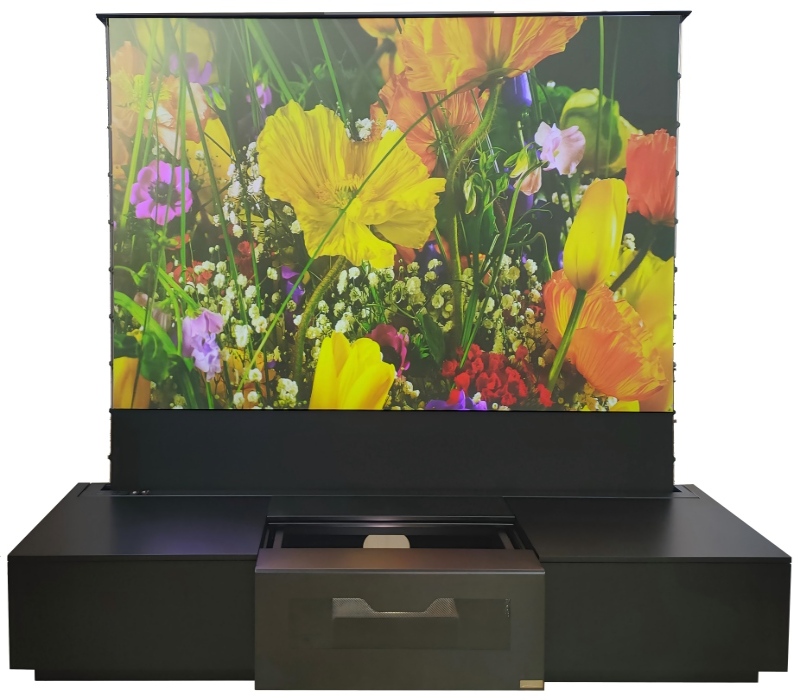
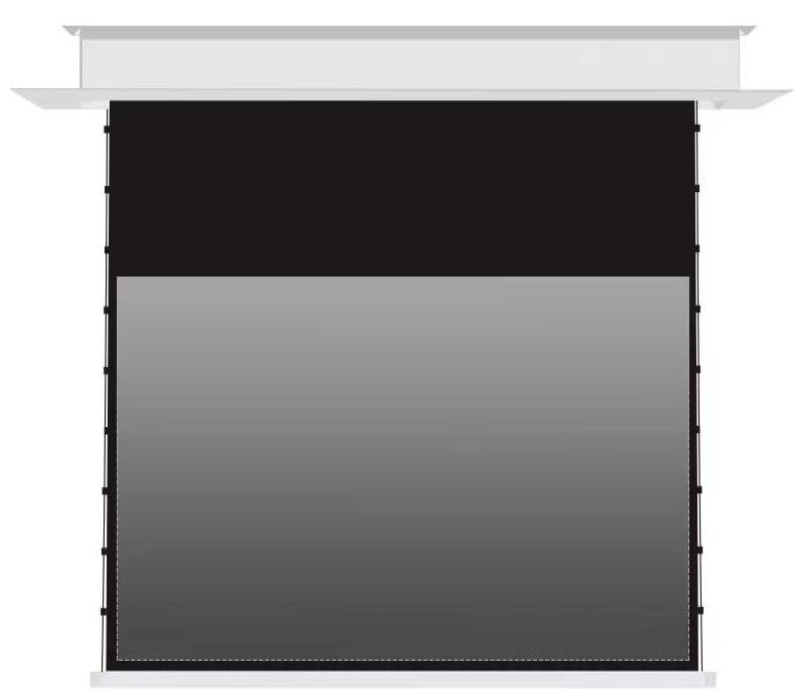
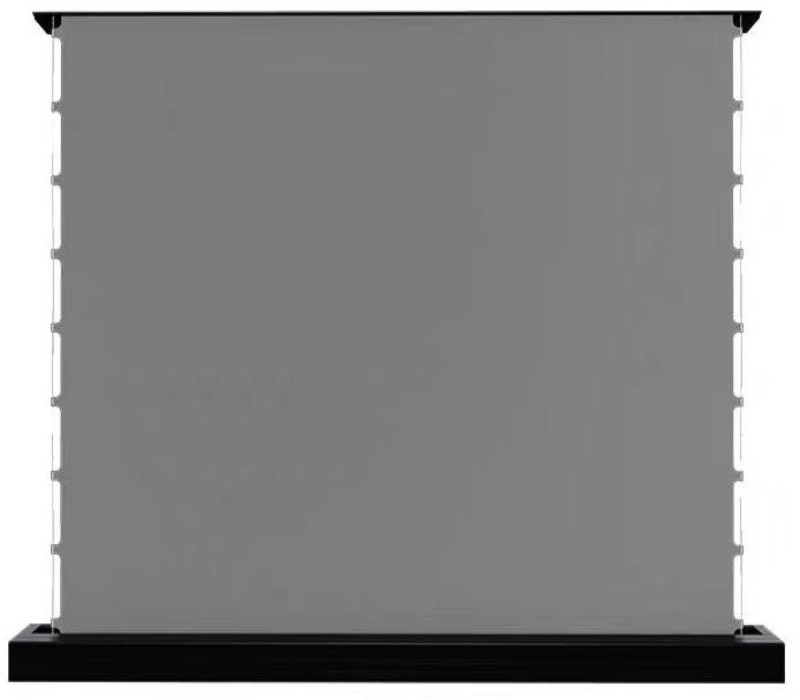
A [fixed projector screen keeps a dedicated area ready for every session. Its frame holds the material under tension, but the frame does not determine light rejection. Choose the surface for the projector and room; choose fixed mounting for the space. In a small training room, a permanently occupied wall may be the deciding factor.
Where a portable ALR screen fits
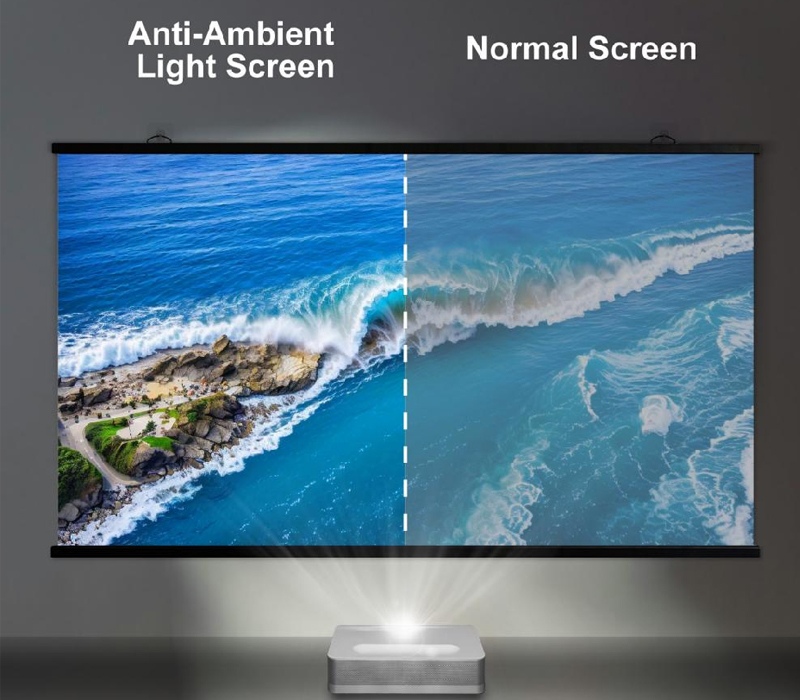
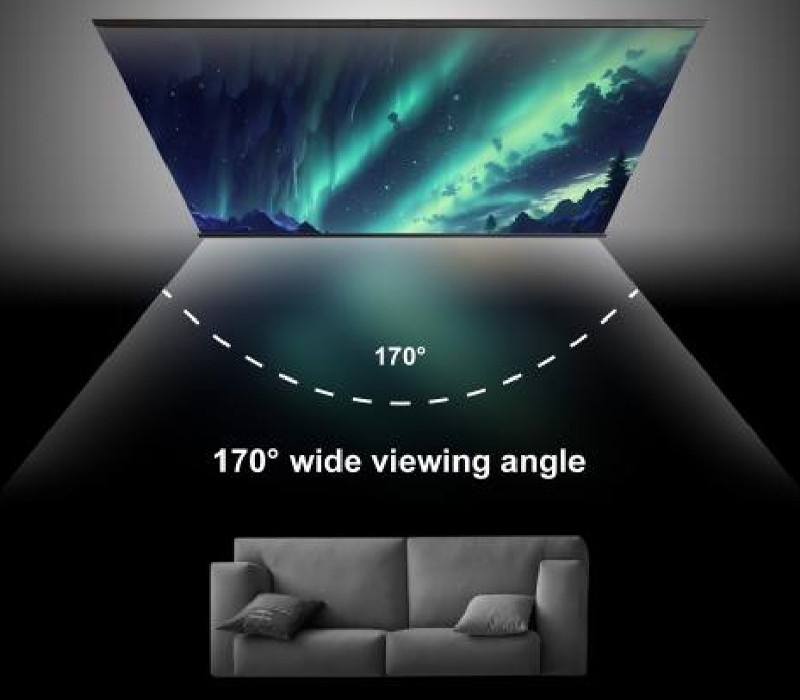
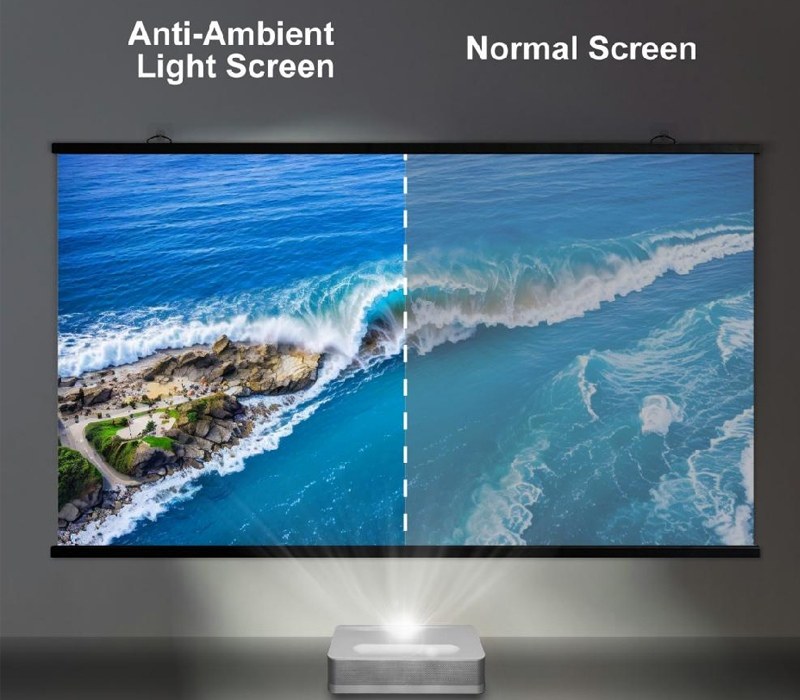
An optical screen is worth a look when a suitable matte surface still struggles with room light you cannot control. ALR means ambient light rejecting. These surfaces direct light according to their optical design and the direction it arrives from; no surface can separate wanted and unwanted light perfectly in every room. Direct sun across the picture is still a reason to improve shading.
A [écran portable alr can provide a separate display in a shared room without claiming a wall permanently. Aoxing’s Portable Fresnel Anti-Light Projector Screen uses Fresnel PET material and an aluminum frame. Listed sizes are 60, 80, 90, and 100 inches. That gives teams several deployment sizes; it does not tell you which one makes your training slides readable.
Confirm compatibility with the actual projector. Standard-throw, short-throw, and ultra-short-throw models send light at different angles. An optical surface suited to one arrangement may behave differently in another. Have the intended projector position and seat layout evaluated before specifying the same screen across several rooms.
Keep the whiteboard when it serves the session
Keep using the board if people can read the projected material in normal room conditions. When they cannot, choose a separate surface for the problem you observed: reflection, limited image area, or ambient light. Writing and projection can share a room without sharing one coating. Try the arrangement in one room before standardizing it across classrooms or meeting spaces.
FAQ (questions fréquentes)
Will projecting onto a whiteboard damage it?
Ordinary projection requires no attachment to the board. Follow its care instructions and keep the projector’s ventilation clear. Adhesives, abrasive cleaning, and unapproved coatings create separate risks that projecting an image does not.
Can people write over projected slides?
People can annotate on a compatible writable board. The marks stay on the physical surface; they are not automatically saved into the presentation. Digital capture requires a separate capture or interactive system.
Does a short-throw projector eliminate hotspots?
Changing projector position changes reflection geometry, so it may move a hotspot instead of removing it. Test the intended projector with the actual board and occupied seats before assuming throw distance will solve the problem.
Should I repaint the board for better projection?
Use only a coating confirmed as compatible with the substrate and required writing function. Projection paint and dry-erase finishes serve different purposes. A separate screen avoids altering a serviceable writing surface.
Is there a universal brightness setting for whiteboards?
No. Image size, finish, room light, and content all affect readability. Set output using representative material, then check reflections on their own. More light cannot fix every surface or placement problem.
Posts récents
-
 How to Install a UST ALR Screen the Right Way Upnovembre 19, 2026
-
-
 Gain d'écran et angle de vision ALR : ce qui compte le plus5 novembre 2026
PRODUITS LIÉS
Votre bon choix aujourd'hui, notre brillant demain!
DEMANDER UN DEVIS DE PROJET